Start with the job, then name one owner
For a SaaS launch explainer, product marketing is a sensible starting owner. For an onboarding tutorial, customer education or customer success is usually closer to the job. Product verifies what the software actually does. Design checks how the interface and visual explanation are represented. A production partner owns the agreed production work, not the authority to invent product claims.
That is our suggested division, not a rule about how every SaaS company is staffed. One person may wear several of these hats. The important part is that the team can answer two questions: who decides what this video needs to achieve, and who can stop an inaccurate scene from being published?
This is FDM’s ownership framework, not an independent ranking of the best SaaS video agencies. Our separate in-house versus external guide deals with buying capacity. Here, the decision is who owns which part of the work once a video is needed.
Launch explainer: product marketing owns the promise
A launch film needs a clear audience, a reason to care and a next step. Product marketing should settle those before production begins. Sales can supply the questions buyers keep asking, but the film should not become a tour of every feature mentioned on a sales call.
Product checks the promise against the shipping product: available features, supported integrations, permissions and any conditions behind a claim. If the launch includes a planned capability, decide explicitly whether it belongs in the film and how it must be described. An attractive animation must not quietly turn a roadmap item into something a buyer can use today.
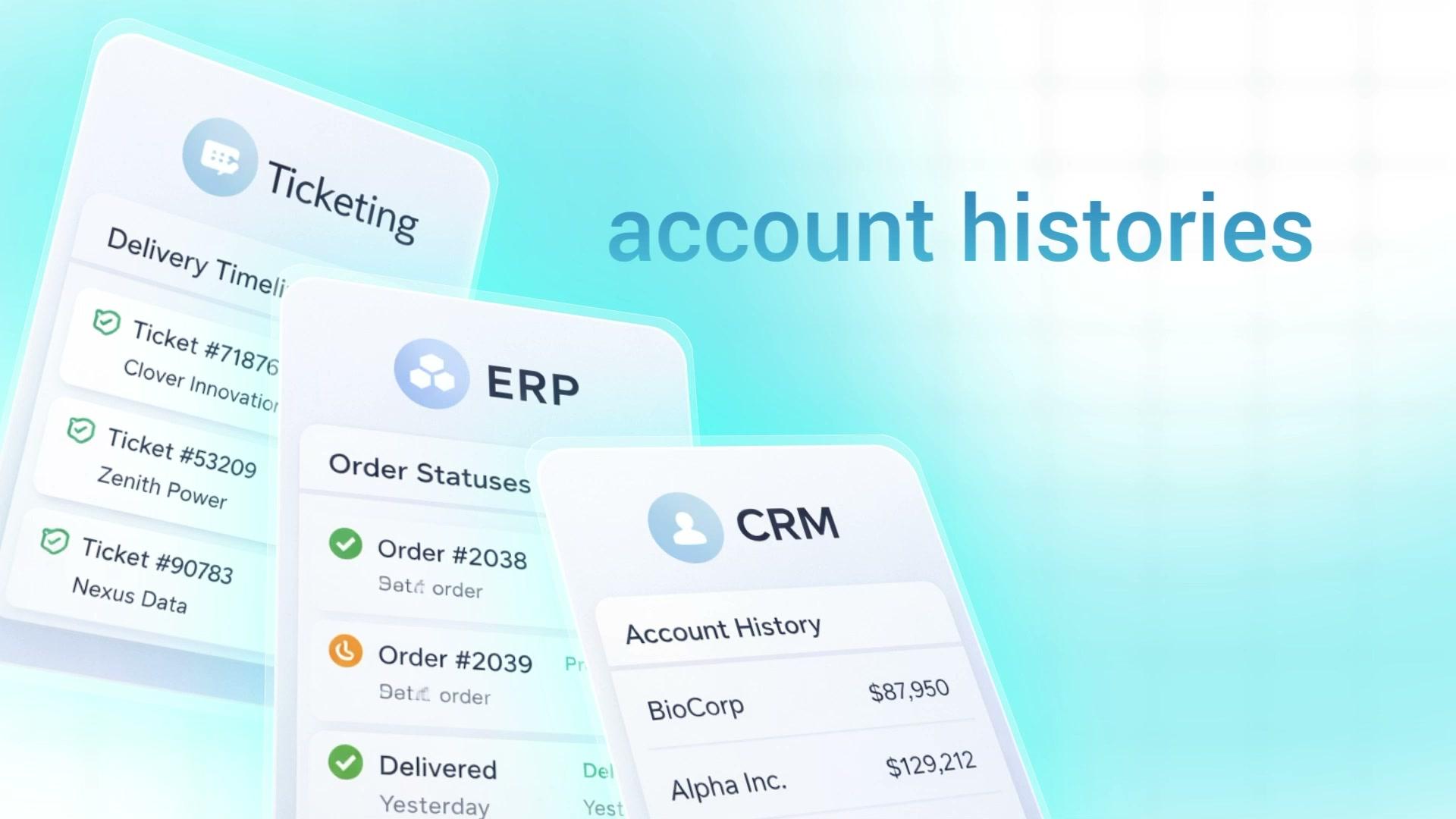
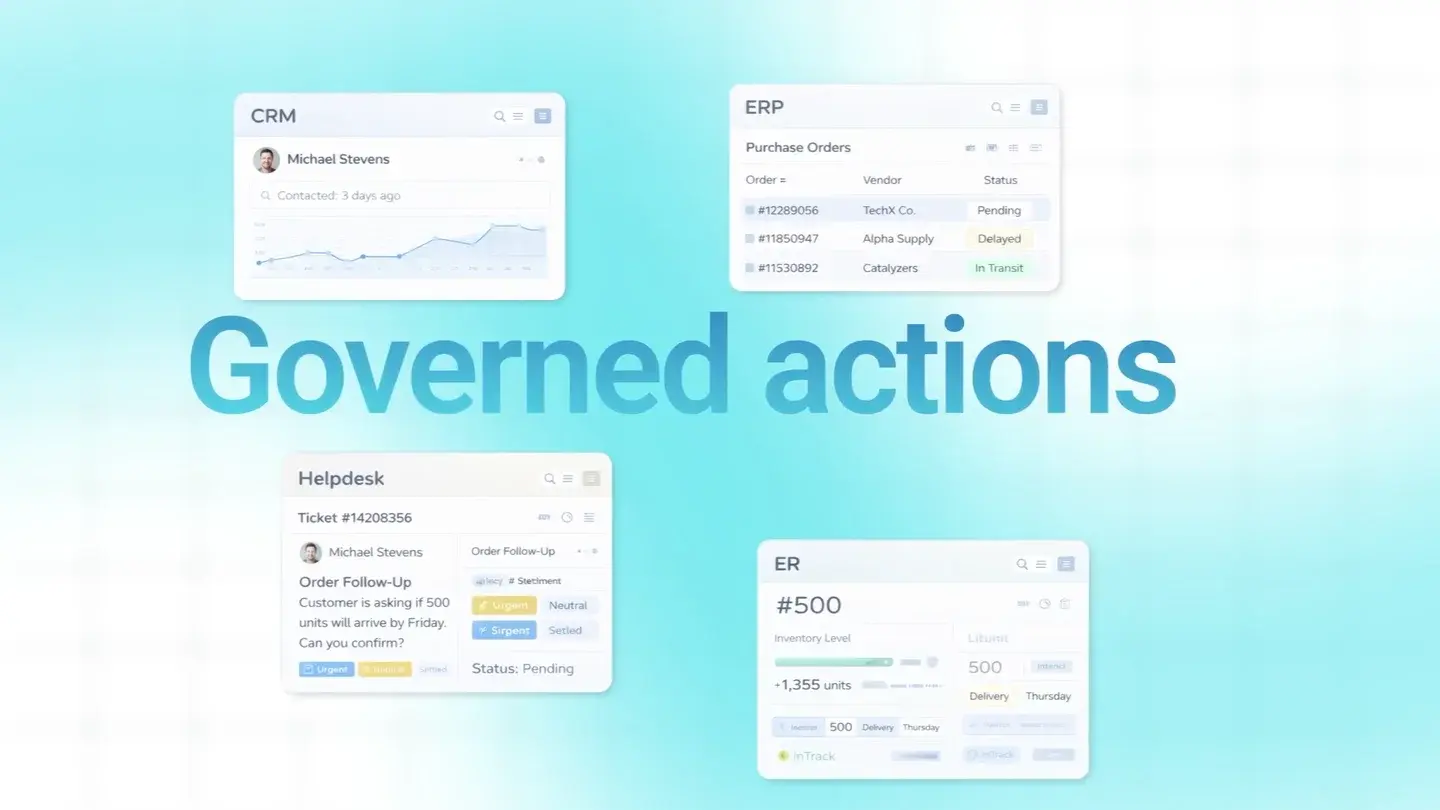
The producer can propose a clearer sequence, visual metaphor or shorter script. Product marketing chooses whether that sequence serves the launch; Product checks whether it remains true. FDM’s Krista.ai email explainer is a useful film to inspect here: business-system cards and approval steps make a workflow visible. The public film shows the explanation approach, not the client’s internal approval structure or a measured conversion result.
Real UI demo: give someone responsibility for the exact task
A demo intended for buyers can sit with product marketing or sales enablement. A demo teaching a current user belongs closer to customer education. Name the audience first. “Show the dashboard” is not enough: specify the task, the user role and the starting state.
Product supplies or verifies a working demonstration environment with safe data. Design or UX checks labels, screen legibility and whether a crop hides something the viewer needs. The editor owns pacing and emphasis within those constraints. Nobody should make a button easier to spot by moving it to a place where it does not exist.
TikaMobile’s FDM walkthroughs provide a different kind of evidence from a conceptual explainer: they guide attention through product modules. Use them to compare what interface-led teaching requires. They do not establish which TikaMobile department commissioned or approved the work; the ownership recommendations here are ours.
Sales enablement also owns use in the sales process: which objection the film answers, when a rep should share it and where the approved link lives. Sending a new export to the sales channel is not the same as retiring an old link from a widely used deck.
Sources: FDM: TikaMobile walkthroughs and FDM scopeFDM: SaaS demo script template
Onboarding: customer success owns the learner’s starting point
For onboarding, customer success or customer education should identify where users get stuck and what they need to complete next. Product verifies prerequisites and the supported path. A technically accurate tutorial can still fail if it starts after the permission, setup or account step that most viewers have not completed.
Write a completion check before recording. For example, in a fictional scheduling tool: “A new workspace administrator can create a shared calendar and invite a colleague.” That gives the team a task to test. “Users understand the platform” is too broad to decide what stays in the edit.
Let a representative user try the task with the video. Ask where they paused or had to guess. The internal owner decides which confusion needs a content change; the production partner makes the agreed correction. Treat this as a practical acceptance check, not a claim that a small test proves a lift in activation.
Feature updates and expert series need different owners
For a feature announcement, product marketing owns the reason the change matters and Product owns release accuracy. For a revised task tutorial, the education owner should check the affected instruction. These may share footage, but they need not share a script or a publication date.
Name a maintenance owner when the first film ships. That person tracks the public URL, captured product version and changes that would make the film misleading. Product flags those changes; the content owner decides whether to update, replace or retire the film. The editor cannot catch a release they were never told about.
For a recurring expert series, assign an editorial owner who chooses the audience and questions. The expert checks their meaning and any sensitive claims. The producer can select excerpts and shape the edit, but a short clip still needs enough context to make sense on its own. Sales and customer success can feed questions into the series without each becoming a final approver.
Sources: FDM: Keep SaaS demo videos current
A handoff you can copy into the project
Here is an illustrative handoff for a fictional scheduling product, not a record from an FDM client. Keep it short enough that people will actually read it. Replace role names with named people and fill in real review dates before work starts.
Job and owner: Customer education owns a task tutorial for new workspace administrators. The viewer should be able to create a shared calendar and invite one colleague. This is not a launch announcement or an explanation of the whole product.
Inputs and accuracy: Product provides the current demo account, fictional data, the supported account tier and a verified click path. Product signs off the transcript and captured screens. Design checks readable labels, appropriate cropping and brand treatment. Do not show an invitation as accepted until the colleague has taken that action.
Production and review: The production lead returns a scene outline, then a rough cut with captions, then the agreed final files. Customer education consolidates comments and resolves teaching choices. Product can block inaccurate behaviour; the producer flags changes that affect scope or delivery. Review deadlines and escalation contacts are written into the schedule.
Acceptance and upkeep: A test user can follow the task from the stated starting point. The final export, caption file and thumbnail match. Customer education replaces the help-centre embed and records the URL, capture version and source-file location. A changed invitation flow triggers a review. Source-file access and later update costs follow the agreed contract.
When reviewers disagree, separate the decisions
Suppose marketing wants a scene shorter, Product says a condition is missing and Design wants a larger label. Those are not three competing votes. First preserve the condition that makes the claim accurate. Then test a shorter way to communicate it, with readable text. The content owner chooses between accurate options; the producer explains the production consequences.
Do not send an editor a bundle of contradictory comments and call it consolidated feedback. Record the scene, the decision needed, the person authorised to make it and the deadline. If the decision changes an approved script or scope, ask for the cost and schedule effect before proceeding.
A production partner can run the schedule and make craft decisions without owning every business decision. Equally, an internal owner should not have to specify every cut. Give the producer room inside an agreed brief, while keeping product accuracy and final publication authority explicit.
You do not need six people to use this
In a small SaaS team, the founder might own the message and product checks, while a customer-facing colleague tests the tutorial. That can work. Write down when each hat is being worn so “looks good” does not accidentally stand for accuracy, teaching quality, brand approval and release permission all at once.
Before commissioning the video, fill in the ownership table below with names. Leave out roles that genuinely add no decision. If no one can approve the facts or provide a working product path, solve that first. More editing capacity will not remove that dependency.
Once ownership is settled, use the partner-selection guide to compare production support. Bring one difficult sequence and the people who can resolve it. That is a more useful start than asking a studio to take complete ownership while keeping all the necessary decisions somewhere inside your company.
Sources and references
- Krista.ai email workflow explainer · FDM · Checked 2026-09-30
- TikaMobile walkthroughs and FDM scope · FDM · Checked 2026-09-30
- In-house team or external video partner · FDM · Checked 2026-09-30
- SaaS demo script template · FDM · Checked 2026-09-30
- Turn a walkthrough into customer education · FDM · Checked 2026-09-30
- Keep SaaS demo videos current · FDM · Checked 2026-09-30
- Choose a video partner for a SaaS launch · FDM · Checked 2026-09-30