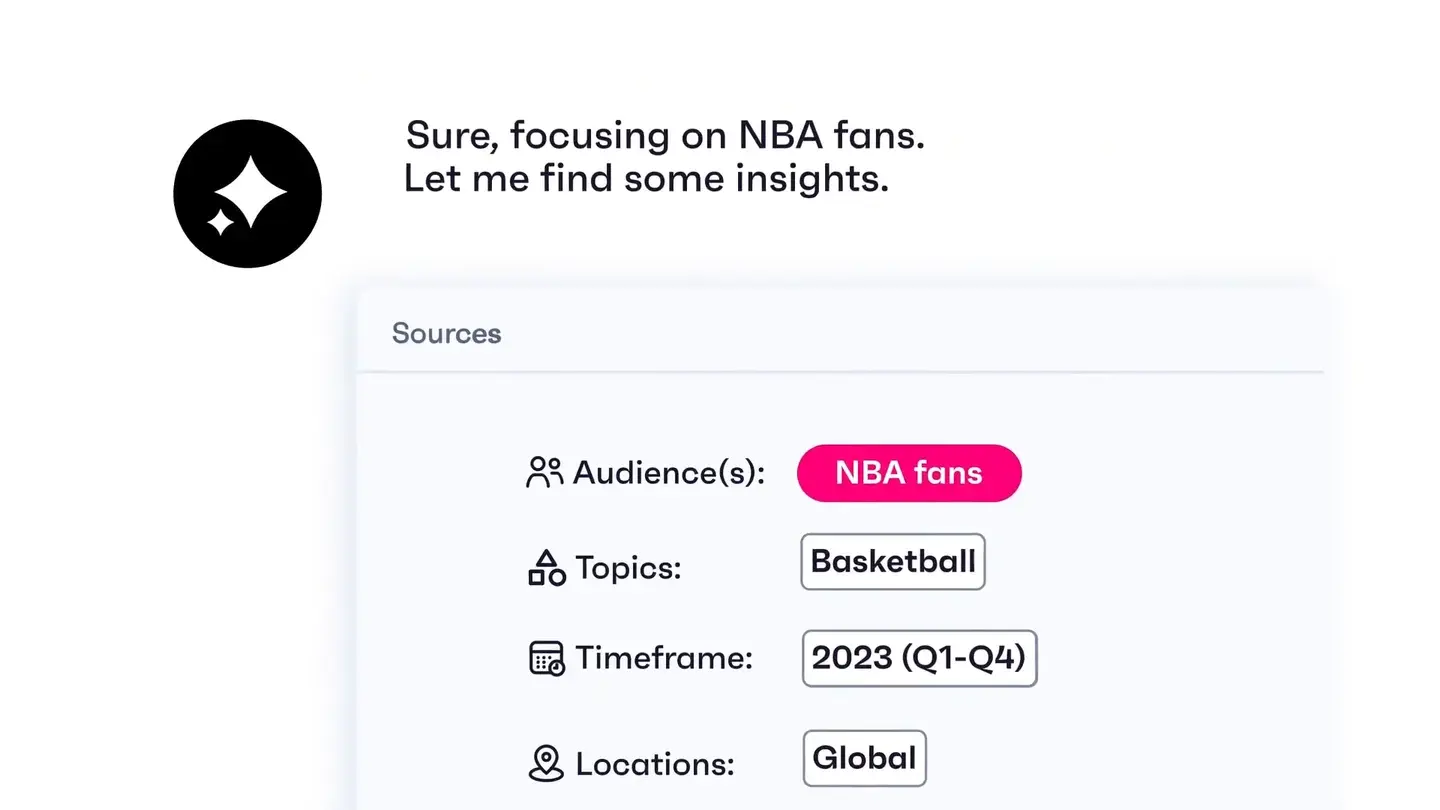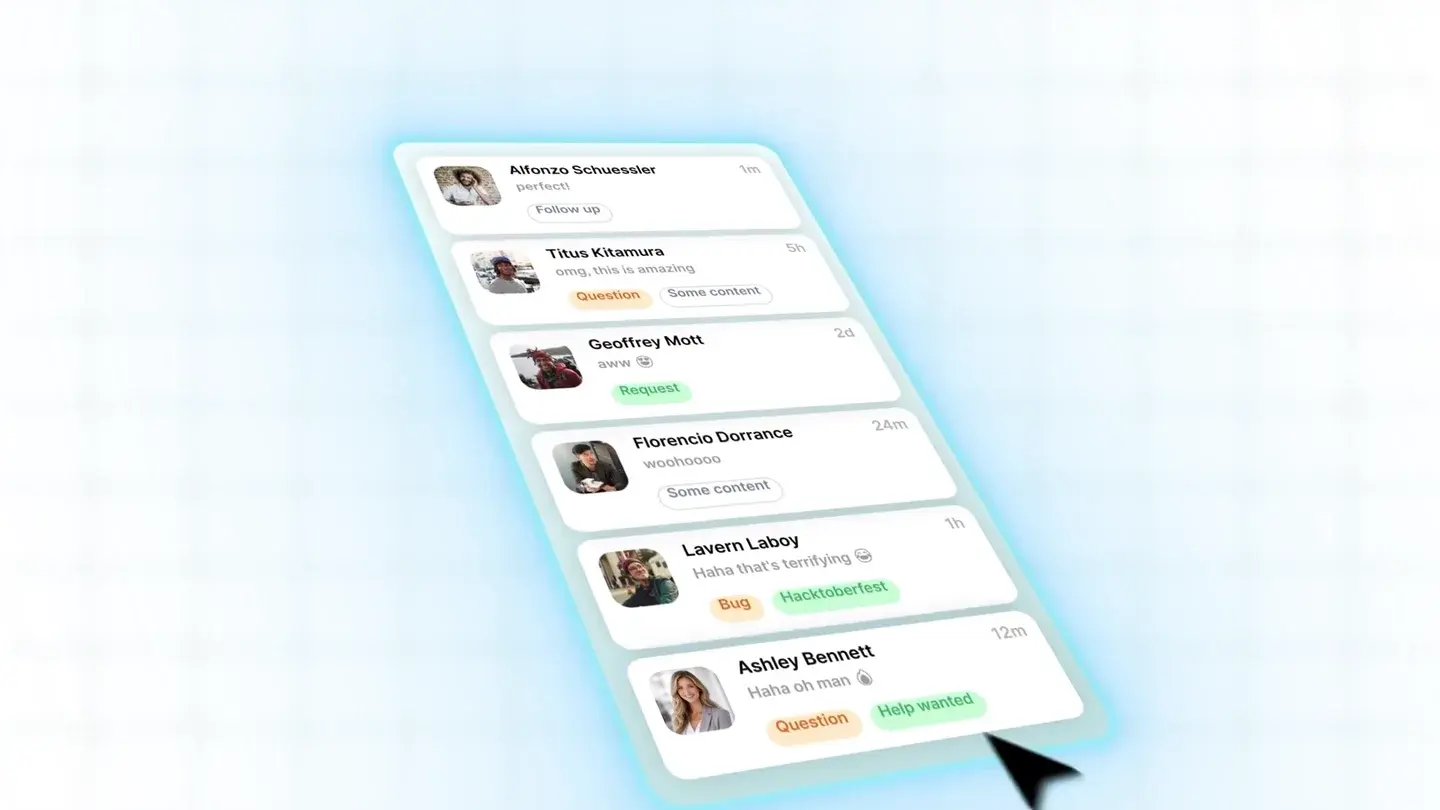
Write what the viewer will see as well as what they will hear
A useful SaaS product demo script has two connected parts: narration and screen action. Start with one audience and one task, show the relevant workflow, make the result visible and end with an appropriate next step. A list of benefits without matching product evidence is an advertisement outline, not yet a demo script.
Use the template below for a focused workflow demonstration. Replace every bracket with verified product information. If a feature is planned but not live, do not present it as an available capability. If a claim needs a customer result to support it, use an approved source or remove the claim.
The fill-in script template
Opening: “When [specific audience] needs to [task], [specific obstacle] gets in the way.” Show the starting situation, not a long logo introduction.
Setup: “Here is how [product] handles [one workflow]. We are starting with [input, account role or prerequisite].” Show the real starting screen.
Action: “First, [action]. Next, [action]. Then, [action].” Pair each sentence with the actual control and response. Keep only the steps needed to understand this task.
Result: “Now [visible state or output].” Show that output. Do not replace evidence with an unsupported claim about hours saved or revenue gained.
Next step: “[Try the workflow / view the detailed tutorial / request a tailored demo].” Choose one action that fits where the viewer is in the buying or learning journey.
A worked example: assigning an incoming request
The following is a fictional support-workflow example, not a client script or a description of an actual FDM customer’s capabilities. It shows how to turn a vague feature statement into a demonstrable sequence.
Weak line: “Our powerful platform streamlines collaboration with intelligent automation.” The viewer cannot tell what action to expect or what evidence would support it.
Demonstrable version: “This request has arrived without an owner. Open the request, choose the responsible team and assign a teammate. The owner now appears beside the status, so the team can see who is handling it.” The picture must show the unassigned request, the actual assignment action and the resulting state.
If assignment is automatic in the real product, show the rule and the resulting assignment instead. Do not use the manual sequence just because it fits the template. The script follows the product, not the other way round.
A complete product demo script example
Here is the same fictional request-assignment workflow written out as a full script, with one narration line for each screen action. The product, team and screen names are placeholders, not a client’s product. Replace each line with what your product actually shows.
Rehearse the script below by reading it aloud while performing the clicks. If a line ends before the screen changes, let the picture hold. If an action needs more than one short sentence of explanation, it probably belongs in a separate tutorial. The same layout works for any workflow: narration on one side, screen evidence on the other, and every line checked against the live product.
- Opening. Narration: “When a support request arrives without an owner, it can sit in the queue while everyone assumes someone else has it.” Screen: the shared queue, with one request showing no owner.
- Setup. Narration: “Here is how [product] handles assignment. We are signed in as a team lead, looking at today’s open requests.” Screen: the real queue view for the team-lead role, filled with approved sample data.
- Action, step one. Narration: “First, open the unassigned request.” Screen: the click on the request and the detail panel opening.
- Action, step two. Narration: “Next, choose the team responsible for this kind of request.” Screen: the team field and the selected team.
- Action, step three. Narration: “Then assign a teammate.” Screen: the teammate picker and the chosen name.
- Result. Narration: “The owner now appears beside the status, so the team can see who is handling this request.” Screen: the updated queue, held long enough for the viewer to find the new owner.
- Next step. Narration: “Request a demo of [your team’s request-assignment workflow].” Screen: the real destination for that request, used only if a tailored demo is actually offered.
Where does a customer testimonial fit in a demo script?
Put an optional customer quote after the demonstrated result and before the single call to action. Show what the product does first; then use the quote only if it supports that specific claim. General praise about a company does not establish that a workflow saves time or increases revenue.
Use the customer's real words, with permission for this use and the approved attribution and context. Do not remove a qualification to make the line stronger or imply that one customer's experience is a typical result. If there is no suitable approved quote, keep the observable workflow result and move straight to the next step. A demo does not need a testimonial to work.
For the fictional request-assignment example above, use this fill-in ending. The bracketed quote is a placeholder, not a testimonial. The linked customer-testimonial interview guide can help you ask for specific evidence.
- Result: “The owner now appears beside the status, so the team can see who is handling this request.” Show the assigned owner and status.
- Optional customer proof: [Insert the exact approved quote about seeing who owns a request, with the approved name, role and company attribution.] Retain any necessary qualification. Omit this line if no real quote supports that point; do not write one for the customer.
- One CTA: “Request a demo of [your team's request-assignment workflow].” Use this invitation only if that tailored demo is actually available, and show its real destination.
Sources: FDM: What should you ask in a B2B customer testimonial video?
How long should the script be?
Read the narration aloud while performing the actions at a pace the intended viewer can follow. That timed rehearsal is more useful than choosing a word count first. A sentence can be short while the screen action needs several seconds of orientation. Leave room for the viewer to recognise what changed.
Microsoft’s procedural writing guidance recommends task-focused headings and clear individual steps. Applied to a demo, that helps you separate actions instead of burying several clicks in one sentence. It does not establish a universal video length. If the task cannot fit clearly, make a shorter overview and a separate tutorial rather than speeding through every screen.
What FDM’s product work illustrates
FDM’s TikaMobile work includes module-level product walkthroughs. Krista.ai’s explainers use a product or use-case story with interface-led visuals. Both are relevant references, but they serve different levels of explanation: a viewer learning a task needs different detail from a buyer understanding the value.
Before scripting, decide which level you need. A sales-oriented demo may show the key workflow without every setup action. A tutorial must include the prerequisites that let a user reproduce it. Label the film accordingly so a concise overview is not mistaken for complete instructions.
Sources: FDM: TikaMobile product walkthroughsFDM: Krista.ai product explainers
Review the script before recording the final version
Ask a product owner to check every action, label, prerequisite and resulting state. Use a prepared demonstration account with approved sample data, and remove private notifications or customer information before recording. A clean frame is not just a design preference; it prevents irrelevant information from becoming part of the public asset.
Ask a second reviewer to watch the rough sequence without your explanation. Can they say what problem it solves and what changed? Where do they lose the thread? Resolve those points while the script and screen selection are still easy to change. Keep the approved script, capture date and product version with the final files for the next update.
Sources and references
- Writing step-by-step instructions · Microsoft · Checked 2026-09-10
- TikaMobile product walkthroughs · FDM · Checked 2026-09-10
- Krista.ai product explainers · FDM · Checked 2026-09-10
- What should you ask in a B2B customer testimonial video? · FDM · Checked 2026-10-07