Start with the patient's question, not the organisation's introduction
A patient-education video script should answer one practical question in language the intended viewer understands. State the purpose, explain the necessary information in manageable steps, show what those steps mean and finish with an approved next action. Clinical instructions and claims must come from qualified reviewers, not the production team.
This guide is about communication and production, not medical advice. A video explaining an appointment process is different from one explaining treatment, medicine use or symptoms. Do not copy a generic template into a clinical topic without the appropriate subject review.
Healthcare video script template for patient education (copy and fill in)
A patient education video script template has six parts: the viewer and moment, the viewer's question, a direct answer, the steps (each written as narration, on-screen visual and review note), the limits and help route, and one next action. Write in short sentences and familiar words, keep one question per video, and get every instruction approved by a named clinical reviewer.
Many health-literacy guides recommend writing patient materials at about a sixth to eighth grade reading level. Treat that as a check on sentence length and vocabulary, not a substitute for testing the script with real viewers. If one video starts answering a second question, split it rather than speeding up the narration.
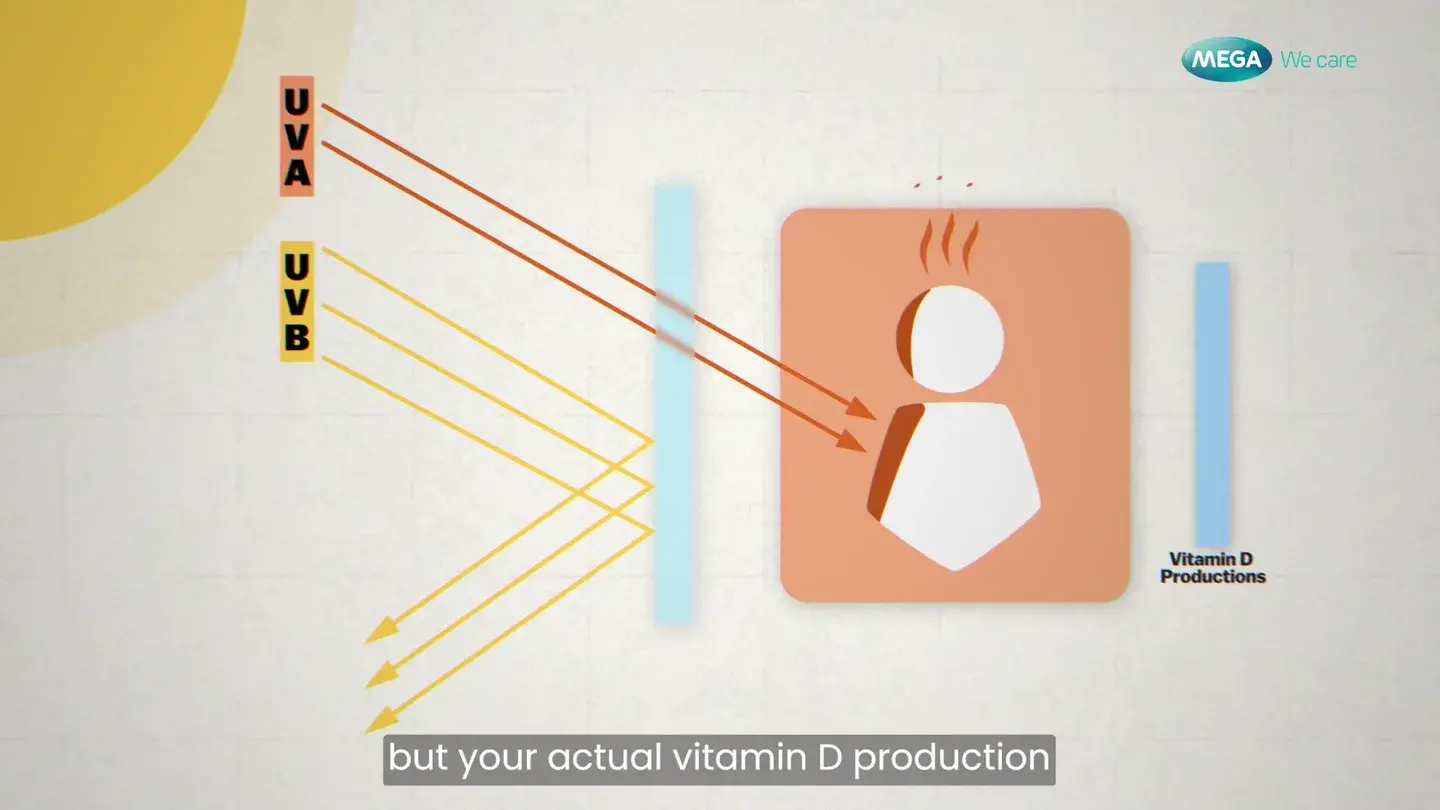
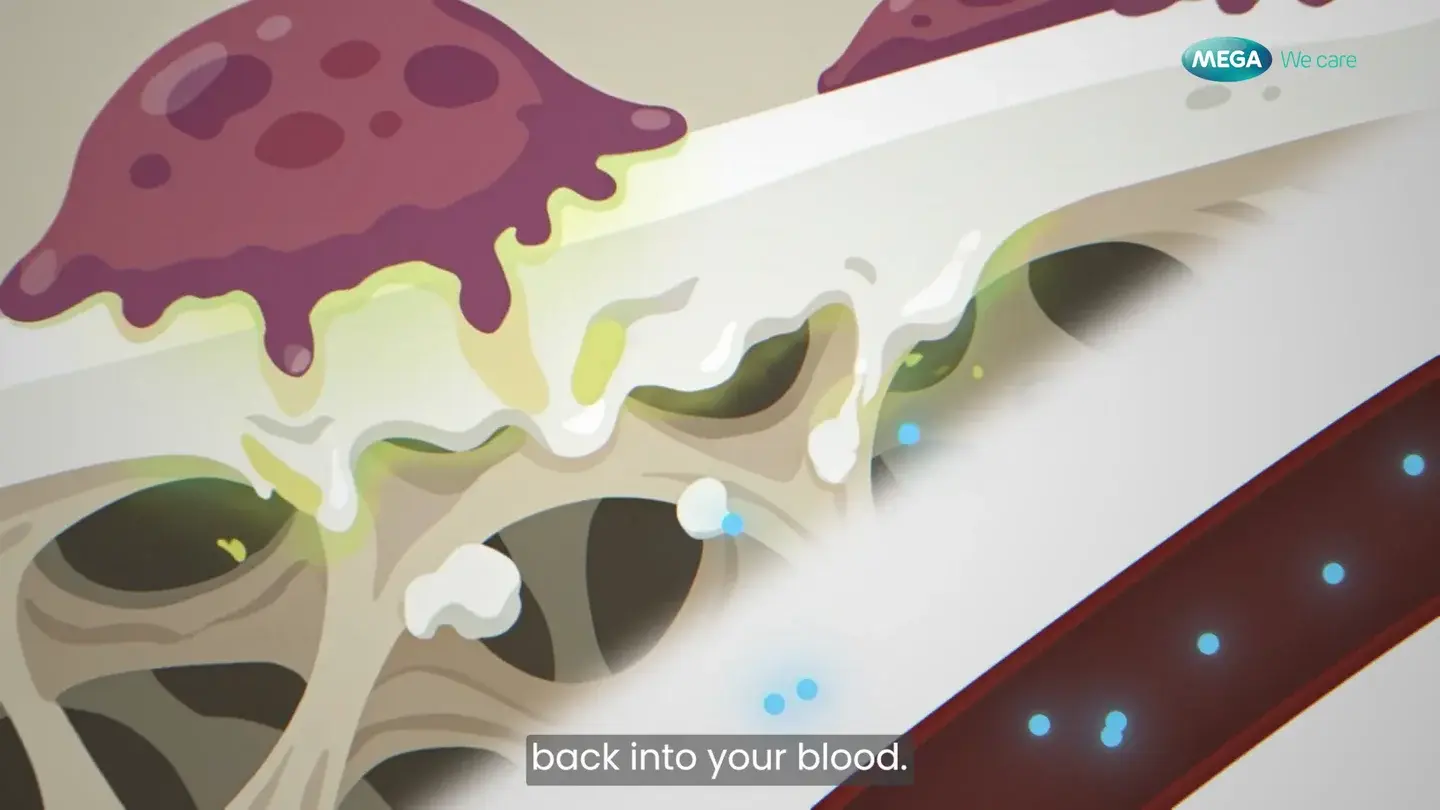
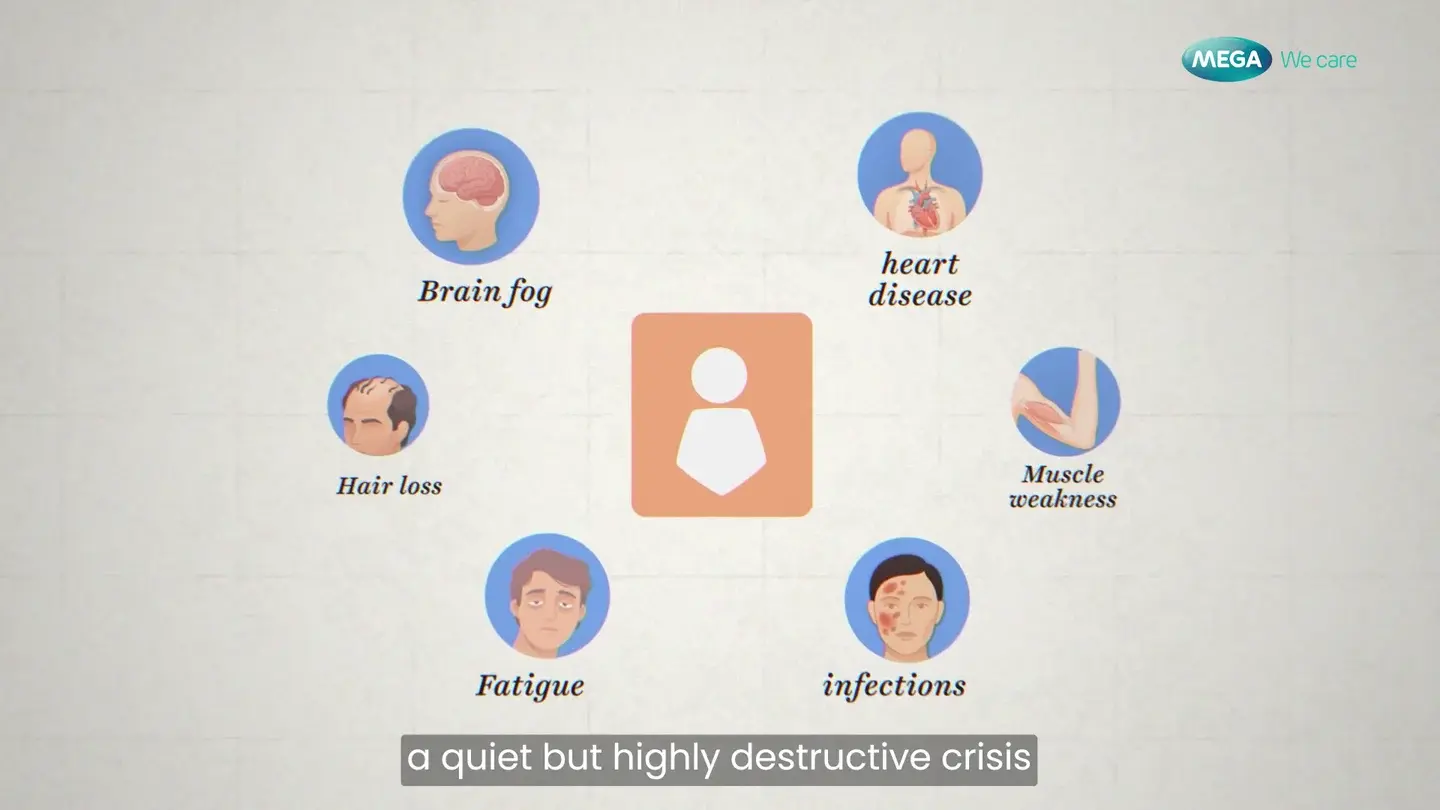
FDM uses this structure when planning health education videos, including the animated and expert-led formats in our Mega We Care work. Copy the template below into a document or spreadsheet with three columns: what the viewer hears, what they see, and what must be checked.
- 1. Viewer and moment: who is watching, and when (for example, a caregiver the evening before a first appointment).
- 2. Viewer question: one question in the viewer's own words.
- 3. Opening line: answers the question directly in the first sentence. Visual: the subject itself, not a long logo sting.
- 4. Steps: one idea per beat, each written as narration | on-screen visual | review note with source and reviewer.
- 5. Limits: who the video is not for and when to contact a professional, in the reviewer's wording.
- 6. Next action: one approved step with the real contact route or link.
- 7. Comprehension check: the question test viewers answer before the final edit.
- 8. Exact terms: medicine, device and portal names that captions and translations must keep unchanged.
A 90-second patient education video, beat by beat
A 60 to 90 second patient education video needs five beats: the viewer's question with a direct answer, the one thing they will be able to do, the steps, the limits, and one next action. The timings below are a starting plan, not a clinical standard. Let the steps set the length, and split the video if one beat runs long.
Write each beat as a row with three cells: what the viewer hears, what they see, and what the reviewer checks. Read it aloud against the visuals before anything is recorded.
- 0:00 to 0:08 | Hear: the viewer's question and a direct answer ('Getting ready for your first scan? Here is what happens.') | See: the subject itself, not a logo sting | Check: the question matches what patients actually ask.
- 0:08 to 0:20 | Hear: the one thing the viewer will be able to do after watching | See: a clinician on camera or a clean title graphic | Check: one objective only.
- 0:20 to 1:00 | Hear: the steps, one short sentence each | See: each action at a readable size, from the angle the viewer will see it | Check: every instruction against its approved source and named reviewer.
- 1:00 to 1:15 | Hear: the limits and when to contact a professional, in the reviewer's wording | See: warning signs as on-screen text held long enough to read | Check: the reviewer's exact wording, not a paraphrase.
- 1:15 to 1:30 | Hear: one next action with the real contact route | See: the portal, phone number or link on screen | Check: the route is current and correct.
What should a healthcare video script include?
Whether the brief calls it a patient-education, medical or healthcare video script, the same parts keep it usable and reviewable. Check each one before anyone records narration or starts animation.
The difference from other explainer scripts is the review column. In a software or marketing script, the production team can adjust wording for pace. In a healthcare script, any change to the wording of an instruction goes back to the named reviewer, so leave time in the schedule for that loop. The related guide on the healthcare video approval workflow covers who should sign off what.
- One named viewer and viewing moment, written at the top of the script.
- The viewer's question in their own words, answered in the opening lines.
- Each step as a pair: the line the viewer hears and the visual they see.
- Every instruction, number or claim traced to an approved source and a named clinical or subject reviewer.
- Limits stated plainly, in the reviewer's wording: who the video is not for and when to contact a professional instead.
- One approved next action, with the real contact route or link rather than a placeholder.
- Terms that must stay exact in captions and translations, such as medicine, device and portal names.
- A comprehension question to ask test viewers before the final edit.
Scripts for other medical videos: what changes
The same two-column structure works for most scripts for medical videos, not only patient education. What changes is who the viewer is, how much clinical language they can take and who signs off each line. Start from the template above and adjust these parts for the type of video.
In every case, keep the review column. If the format itself is still undecided, the related guide on animation versus a doctor interview helps choose it before anyone writes the script.
- Procedure explainer for patients: open with what the patient will do and notice on the day, keep one step per scene, and have the treating team approve the sequence and any timings.
- Medicine or device instructions: keep the product name, dose wording and each step exactly as in the approved label or instructions for use, and show the hands-on action on screen as it is said.
- Doctor-led or expert interview video: script the questions, not the answers. Mark which statements must keep the expert's own wording, and send the edited cut for review, not only the transcript.
- Clinician or staff training: the viewer already knows the terms, so drop the definitions and spend the time on decision points and common mistakes.
- Awareness or prevention video for the public: lead with the everyday situation, give one action and one route to help, and leave out any figure the reviewer has not supplied a source for.
Write for one viewing situation
Name the viewer and the moment: someone preparing for a first visit, a caregiver reviewing information afterwards, or an existing patient trying to use a portal. Write down what they already know and what they should be able to understand or do next. A video for all patients at every stage usually becomes a compressed brochure.
CDC's plain-language guidance recommends putting the important information first, choosing familiar words and organising information around the audience. Applied to video, that means an opening that answers 'Why am I watching this?' before a long logo animation or institutional history.
Do not simply replace medical words with shorter words and assume the job is done. A familiar term can still be confusing without context. If a technical term is necessary, ask the clinical reviewer for an accurate explanation and show the relationship it describes.
Use a script with a visual and a review note for each beat
Write three columns: what the viewer hears, what they see and what needs to be checked. This prevents the storyboard from becoming an afterthought. The review note should identify the source or owner of an instruction, especially where a phrase could affect how someone acts.
Our suggested sequence is: viewer question, direct answer, necessary steps, important limits, next action and comprehension prompt. It is a working editorial structure, not a clinical standard. Some subjects need a different order, and some should not be compressed into one short film.
Read the script aloud with the planned visuals. If a label appears and disappears before it can be understood, simplify the scene or allow more time. Cutting the voiceover faster can make a video shorter while making the information harder to use.
Worked example: finding appointment details in a portal
The following is a fictional, non-clinical example. It demonstrates the structure, not the steps in any real hospital's portal. Replace every interface label and support route with the organisation's current, approved information before filming.
Opening: 'Looking for the time and location of your next appointment? This video shows where to find them in the patient portal.' Visual: a clean demonstration account with no real patient details. Review note: confirm the intended portal and supported device.
Main sequence: 'After signing in, open Appointments. Select your upcoming appointment to see its details.' Visual: show each real action at a readable size. Review note: verify the labels and whether this path applies to the intended users.
Limit and next step: 'If the details are missing or do not look right, use the support contact shown on your appointment letter.' Visual: an approved example letter with a placeholder contact clearly identified in the draft. Review note: replace the placeholder and confirm the correct help route. Do not invent clinical preparation advice to fill the ending.
Ask what the viewer understood, not whether they liked it
Show the rough version to intended viewers where practical. Ask them to describe what they would do next and point to the information they would use. If several people misunderstand the same step, revise the explanation before polishing the animation. Their difficulty is information about the film, not a failure by the viewer.
AHRQ describes teach-back as checking understanding by asking people to explain information in their own words. A recorded video cannot conduct a clinical teach-back conversation by itself. The relevant production lesson is to test understanding during development rather than relying on 'Does that make sense?'
Record what changed after the test: a label enlarged, an unexplained term removed or an instruction moved earlier. This gives reviewers something concrete to assess. It is more useful than a general request to make the film friendlier.
Plan captions and meaningful visuals before the final export
W3C's accessible-media guidance covers captions, transcripts and ways to make essential visual information available. Decide what your audience needs during planning. A caption file should be checked against the final audio, including names and terminology; automated output is a starting point, not a completed quality check.
Do not place a vital instruction only in a small visual label. Consider how someone will receive the information if they cannot see that label or cannot hear the narration. Review language versions with appropriate language and subject expertise. This is a production checklist, not a claim that adding captions alone establishes accessibility compliance.
What the Mega We Care work helps illustrate
FDM's Mega We Care portfolio includes explanatory animation and expert-led education. The distinction is useful when scripting: an unseen relationship may benefit from a visual explanation, while a speaker-led piece needs an edit that preserves the expert's meaning. Neither format should be chosen only because it looks more expensive.
Before commissioning production, bring an approved information source, the intended audience, a named subject reviewer and the destination for the video. Start with one representative script and visual treatment. Make sure it works before repeating it across an education library.
Sources and references
- Plain Language Materials and Resources · CDC · Checked 2026-09-18
- Use the Teach-Back Method: Tool 5 · AHRQ · Checked 2026-09-18
- Making Audio and Video Media Accessible · W3C · Checked 2026-09-18