The short answer
A raw screen recording is material, not a demo. To turn it into one, decide the single task the viewer should be able to follow, cut everything that does not serve that task, then guide the eye with zooms, cursor emphasis and short callouts. Add animation only where the screen cannot show the idea, finish with readable captions and clean sound, and have someone who knows the product check every click before export.
The order matters. Most demo edits go wrong because the editor starts polishing before anyone has agreed what the video is for. A clean zoom on the wrong screen is still the wrong screen.
Before you edit: decide the one job the demo does
Write one sentence that names the viewer and the task: "A sales prospect sees how a rep plans a conference from the event list to the session summary." If you cannot write that sentence, the recording will follow the product menu instead of the customer's job, and the viewer has to do the translation.
Watch the full recording once before cutting anything and list the steps it actually shows. Check that every step of the task is there, in order, using demo data rather than a real customer account. A missing step is cheaper to recapture now than to patch with an animation later, and an invented step is a product claim nobody approved.
- Who is watching, and what do they already know?
- What should they be able to do or understand at the end?
- Which screens are essential, and which are just on the way?
- Is any real customer data visible that needs replacing?
Cut the recording to the task
Remove loading waits, wrong clicks, menu wandering and the moments where the presenter looks for something. Keep the real sequence of actions so the demo stays truthful: the viewer should be able to repeat what they saw. Do not speed-ramp the whole recording to make it shorter; it makes the product look frantic and hides the one step the viewer needed to read.
Leave a short hold on any screen the viewer has to read, such as a result, a confirmation or a summary. A demo that is fast everywhere is hard to follow everywhere. If the task genuinely takes several minutes, split it into a short series, one task per video, rather than compressing it until nothing lands.
Guide the eye: zooms, cursor emphasis and callouts
On a laptop screen, most interface text is unreadable on a phone. Zoom in when the viewer needs to read a label, a value or a result, and zoom back out when they need to see where they are in the product. Not every click needs a zoom; constant movement is tiring and makes the product feel unstable.
Cursor emphasis tells the viewer where to look before the click happens. In FDM's TikaMobile conference-planning walkthrough, a 2:32 video moves from the event list to sessions, calendars and summaries, and cursor emphasis plus paced screen movement keeps each step easy to follow. Callouts should be short and use the same words as the interface, so the viewer can find the button themselves later.
Explain what the screen cannot show
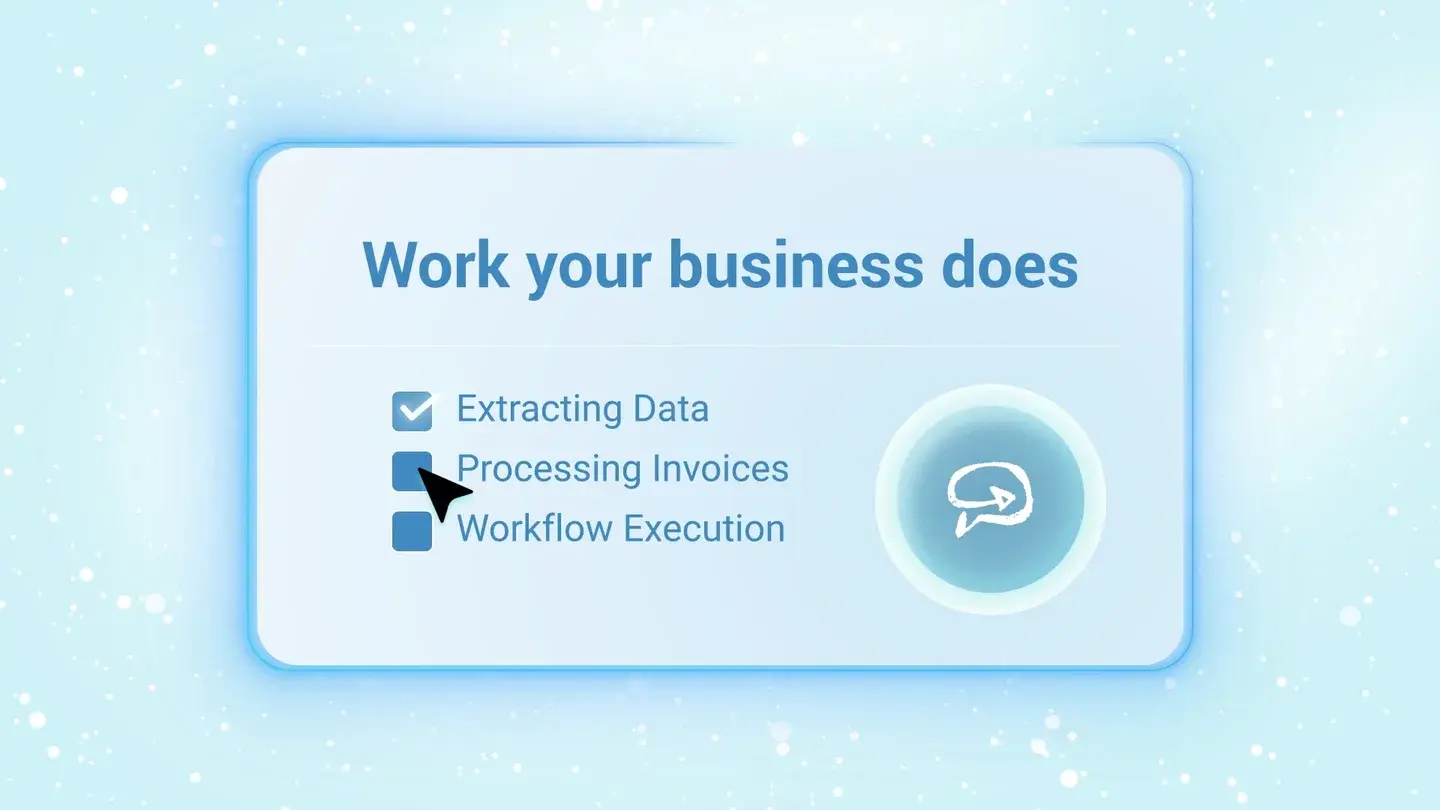
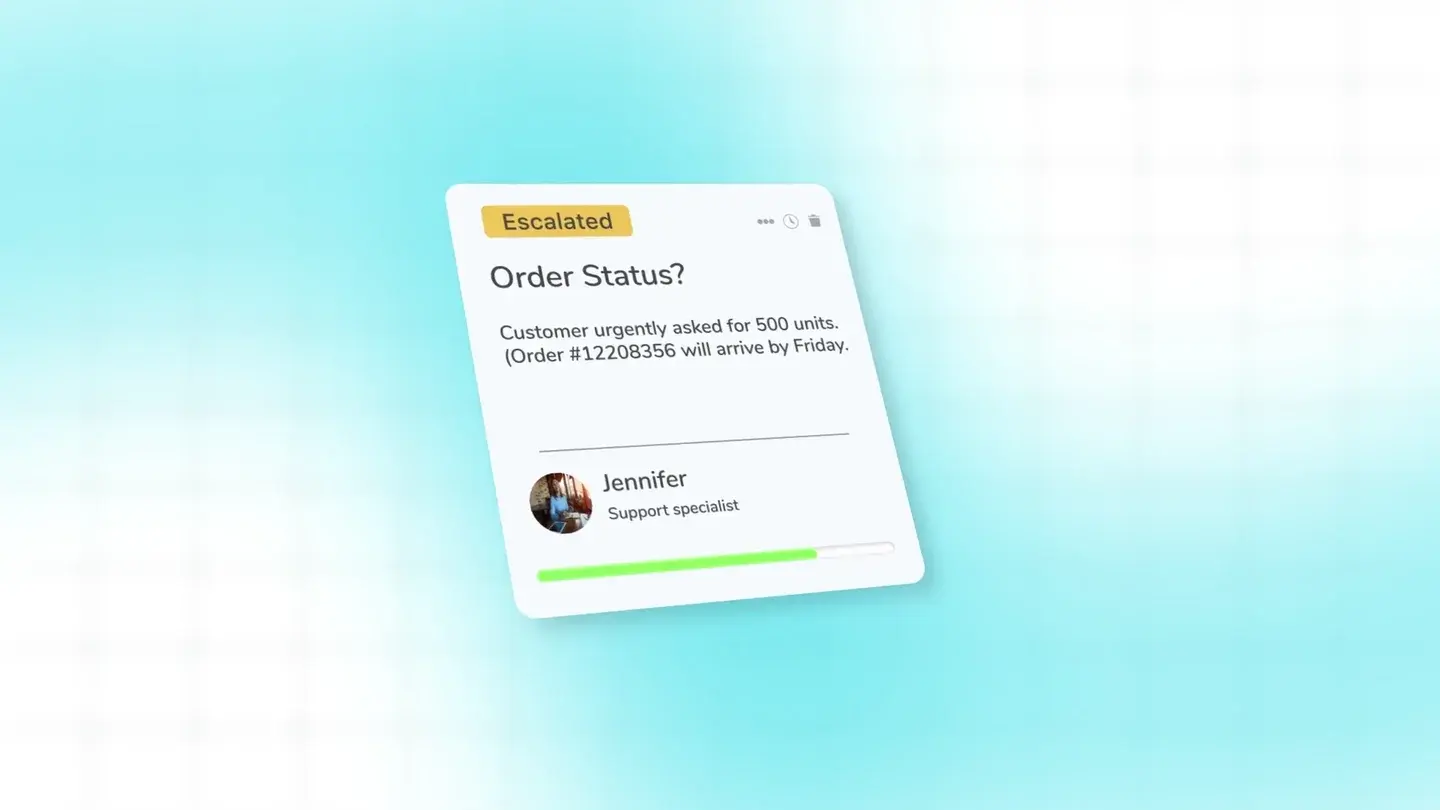
Some ideas do not exist on any single screen: how data moves between systems, what happens in the background, or why the result matters. That is where animation earns its place. In FDM's Krista.ai explainer, animated interface cards follow a message from an inbox through CRM, ERP, policy and approval steps, which no screen recording could show in one view.
Keep real UI for the steps the viewer will repeat, and use illustrated or animated UI for relationships and outcomes. Every animated element is still a product claim, so it needs the same review as the recording.
Sources: FDM: Krista.ai: an email workflow, explained visuallyFDM: Real UI, illustrated UI or abstract animation for a SaaS video?
Captions, voice and sound
Add captions for every spoken word and check product names, numbers and negatives against the recording; an automatic transcript can drop a "not" and reverse the point. Keep captions clear of the interface areas the viewer needs to see.
If the demo has a voiceover, record or finalise it after the cut is agreed, so the words match the screen. Keep music low or leave it out. The voice and the product are the content; music that competes with either makes the demo harder to follow.
Review before export, and plan for the next UI change
Ask your product owner to check screens, feature behaviour and claims, and your marketing owner to check the audience, message and brand. Name one person to consolidate feedback, so the editor is not resolving conflicting notes.
Export the versions you will actually use, for example a full walkthrough for the website and a shorter cut for a sales follow-up. Note which screens are likely to change in the next release and keep the source project, so an update means replacing a section rather than remaking the video.
Sources: FDM: How to keep SaaS demo videos up to date when your product changes
Sources and references
- TikaMobile: Planning a conference, on screen · FDM · Checked 2026-10-13
- Krista.ai: an email workflow, explained visually · FDM · Checked 2026-10-13
- Real UI, illustrated UI or abstract animation for a SaaS video? · FDM · Checked 2026-10-13
- How to keep SaaS demo videos up to date when your product changes · FDM · Checked 2026-10-13