Choose the viewing moment before commissioning the film
Place a patient-education video where its question becomes useful: a pre-visit link for preparation, a waiting-room screen for a brief orientation, a post-visit resource for an approved recap, or a public channel for general education. Measure whether the intended audience could access it, understand its message and identify the appropriate next step. Playback alone cannot establish those things.
This is a production and communication planning guide. The healthcare organisation decides whether the information is clinically appropriate, where it may be used, which privacy controls apply and what follow-up is needed. A general video does not replace an individual care plan or a conversation with a qualified professional.
Before the visit: answer the question people need now
A pre-visit link should say what it helps with before asking someone to play. “Finding your appointment location” is a clearer promise than “Welcome to our organisation.” Put the relevant text and approved help route beside the video so a person is not forced to watch to obtain essential information.
For a simple logistical question, a 60–90 second draft can be a useful starting point to test, not an evidence-based target. Use one task, a readable example and an ending that points to the organisation’s actual next step. Clinical preparation instructions need the organisation’s own review and version control; do not fill gaps with generic advice.
Check delivery as well as editing. Can the intended viewer open the link on their phone, find their language and return to it? If access fails, changing the animation will not solve the problem. The client should choose an appropriate delivery system and decide what, if anything, may be measured about link use.
In the waiting room: plan for interruptions and muted sound
A shared screen is not a private lesson. Someone may enter halfway through, be called away or sit too far from small labels. Build short, self-contained sections with a clear topic card. Avoid an explanation whose meaning depends on having seen the previous two minutes.
For a general orientation, test a 20–40 second segment with the sound off at the actual viewing distance. Those are illustrative production lengths, not clinical recommendations. Use a few readable labels rather than a scrolling paragraph. If the explanation cannot remain accurate in that space, offer an optional longer resource instead of squeezing it harder.
Do not treat a loop count as a patient view. A screen playing all morning does not tell you who watched or understood it. Ask staff what questions still arise and, where appropriate, invite voluntary feedback through a client-approved process. Keep personally sensitive instructions away from shared public displays.
After the visit: make the recap easy to find again
A post-visit resource should have a recognisable title, a stable approved destination and an obvious way to ask for clarification. A caregiver may also need access through the organisation’s chosen arrangements. Do not assume that an emailed video will be opened immediately or remembered after one viewing.
Where the client approves a recap, organise it into small sections people can revisit. A two-minute first cut might be a starting point for a narrow topic, but a necessary explanation should not be cut to meet a generic runtime rule. Include an accessible text alternative and the approved next step. A replay may mean the person is using the resource carefully, not that the edit has failed.
A generic recap must not appear to override personalised instructions. Have the organisation decide the limits, wording and escalation route. Production can make those limits readable and keep versions consistent; it cannot determine the individual patient’s care.
On a public channel: explain who the information is for
A public education video reaches people whose circumstances you do not know. Name the subject and audience clearly, retain qualifications and distinguish a general explanation from individual advice. An accurate longer answer can become misleading when a short version loses the condition attached to it.
For one public question, test a focused 60–120 second version and link to the fuller approved explanation where useful. Treat that as an editing hypothesis, not a prescribed length. The organisation should approve titles, captions and the next action for each version, not only the master film.
Review recurring questions and whether viewers find the intended resource. Do not ask people to post personal health details in public comments to demonstrate engagement. The client needs a policy for moderation and questions that require a qualified response. A production company should not improvise that response.
Match text, captions and playback to the destination
W3C’s guidance distinguishes captions, transcripts and descriptions of essential visual information. Decide what the audience needs while scripting. Checked captions help when audio is unavailable, but a caption file alone is not a complete accessibility plan. Information carried only by a diagram also needs an appropriate alternative.
Check the exported version in the real player or on the real display. Can someone pause, replay and find the text alternative? Are captions covering an important label? Does a waiting-room version require open captions because the player cannot enable them? Avoid automatic text that changes a name, number or qualification.
Language and reading demands should follow the intended audience. Give language versions appropriate subject and language review. A tiny disclaimer under fast narration is not a useful way to preserve an important boundary.
Sources: W3C: Making audio and video media accessibleW3C: Captions and accuracy checks
Separate access, understanding and clinical outcomes
CDC recommends testing communication materials with their intended audience during development, including tasks that reveal whether the information is useful. For a video, check the rough explanation before polishing every frame. Ask viewers to find the relevant information and describe what it means, rather than only asking whether they liked it.
Start with a simple access question: did the intended audience have a usable opportunity to see the resource? Report the delivery route, measurement period and what the player actually counts. Shared screens, autoplay previews and intentional plays are not interchangeable. Use only measurement approved for that setting by the client’s privacy and governance owners.
Then test understanding. AHRQ describes teach-back as asking someone to explain information in their own words, to check the explanation rather than test the person. A video cannot conduct that conversation by itself. For production feedback, the organisation can arrange appropriate questions such as “What would you do next?” and “Which part was unclear?”
Keep the levels of evidence separate. A completed play is playback evidence. A correctly described next step is comprehension feedback. A clinical outcome is a different claim requiring appropriate evidence and evaluation, not an inference from either of the first two. An increase in support questions might mean confusion, greater awareness or a different audience; investigate before calling it success or failure.
Illustrative planning example, not an FDM result: a clinic tests a non-clinical location video with eight volunteers and five find the right entrance on a map. Report those counts and the observed confusion. Enlarge the map landmark and test the revision. Do not turn that small convenience test into a claim about all patients or reduced missed appointments.
Sources: CDC: Testing health communication messages and materialsAHRQ: Use the Teach-Back Method: Tool 5FDM: Measuring video beyond views
What FDM’s healthcare work supports
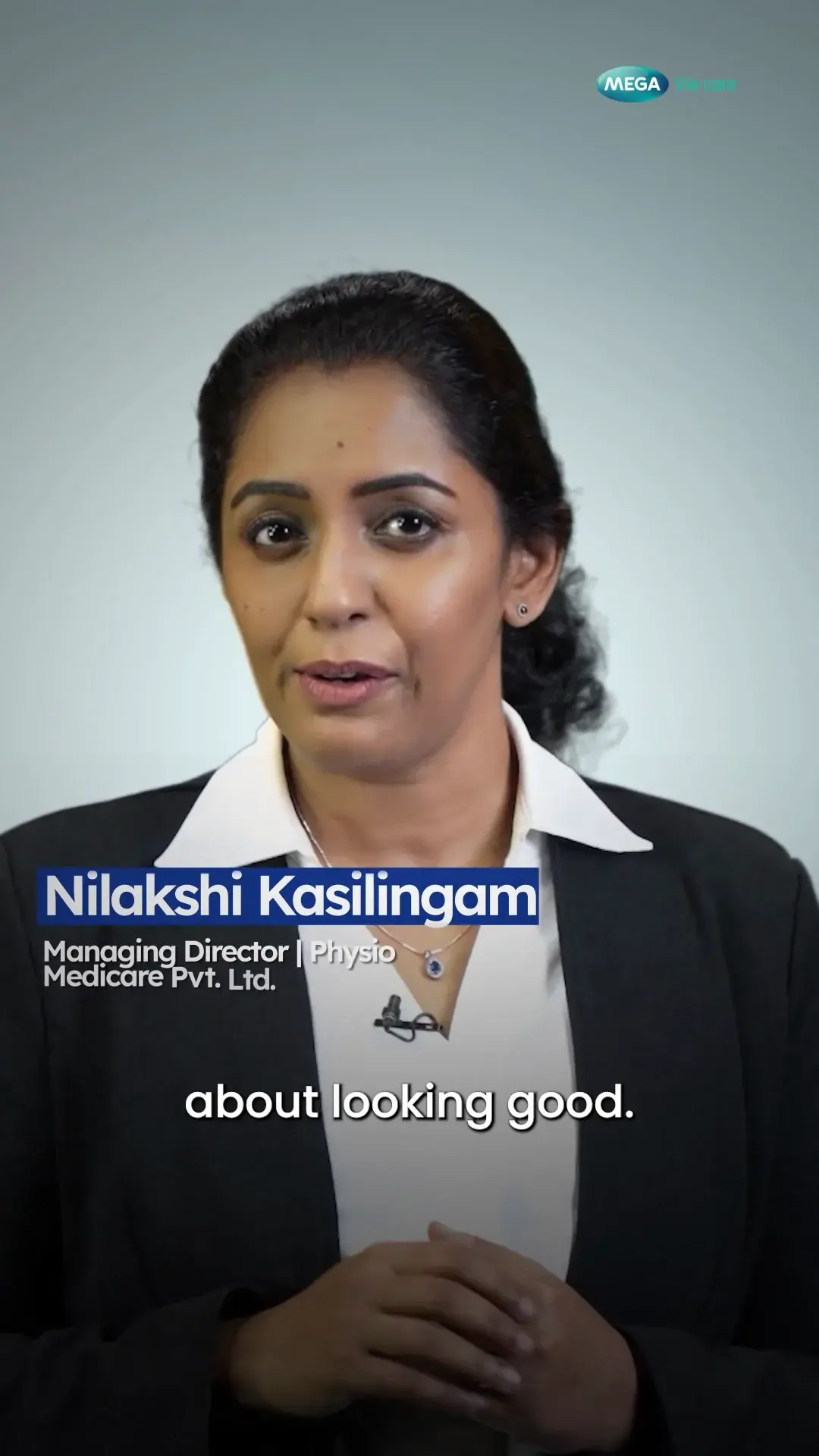
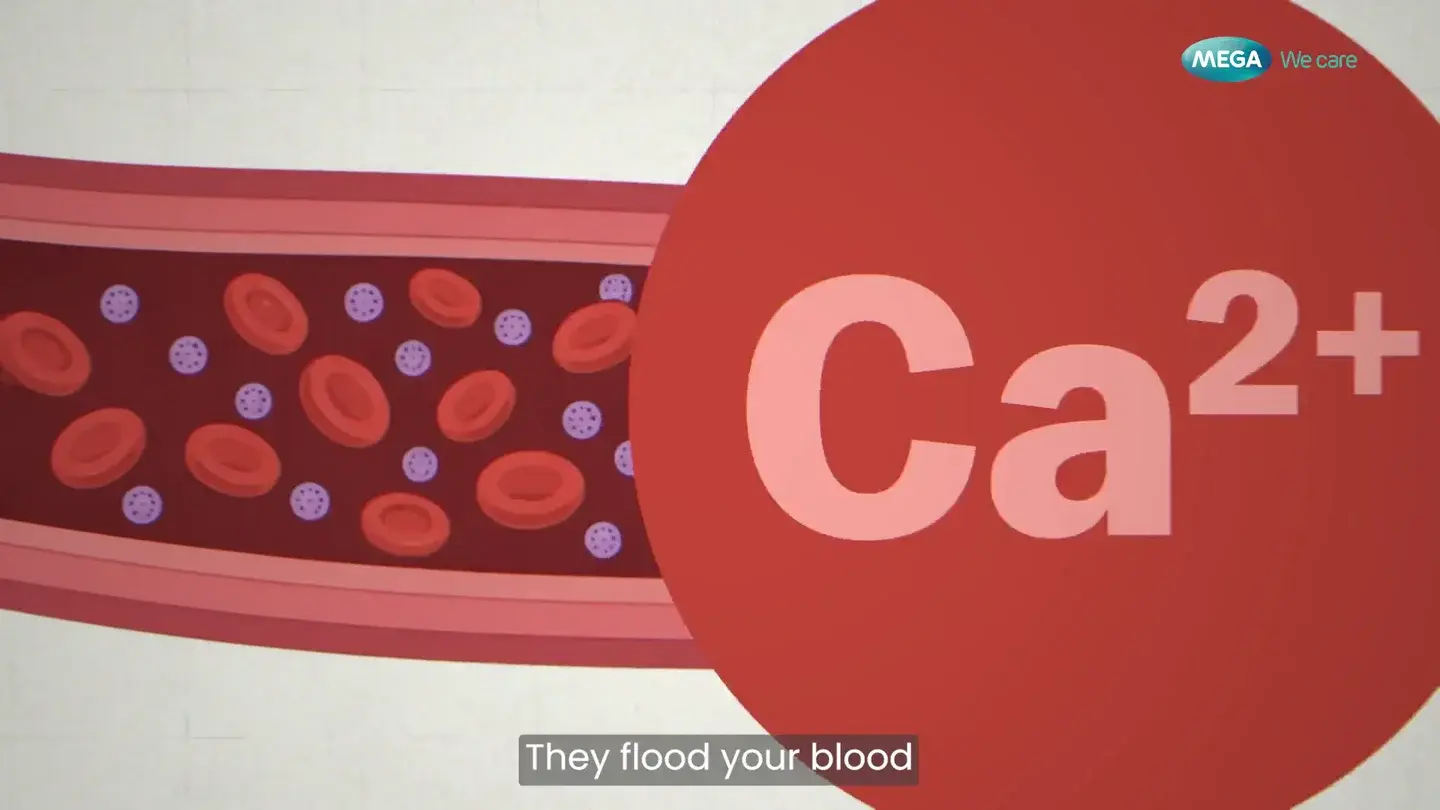
FDM’s Mega We Care work includes explanatory animation and expert-led education. The Vitamin D film makes relationships visible through graphics; the expert-led selections require context-preserving editing. Those are production examples relevant to choosing an explanatory treatment.
They do not establish that FDM deployed a hospital waiting-room programme, measured patient comprehension or improved a clinical outcome. Use the portfolio to assess editing and visual explanation. For a care-setting project, the client must supply the relevant placement, medical review, privacy decisions and approved information.
Use the placement matrix below alongside the script template and approval workflow. Keep a small register of each version, where it is used, who approved it, who can withdraw it and what triggers review. If an instruction or contact route changes, replace the affected copies at their actual destinations, not just the master file in a folder.
Sources: FDM: Mega We Care production examples and scopeFDM: Patient-education script templateFDM: Healthcare video approval responsibilities
Sources and references
- Making audio and video media accessible · W3C · Checked 2026-10-02
- Captions and accuracy checks · W3C · Checked 2026-10-02
- Use the Teach-Back Method: Tool 5 · AHRQ · Checked 2026-10-02
- Measuring video beyond views · FDM · Checked 2026-10-02
- Mega We Care production examples and scope · FDM · Checked 2026-10-02
- Patient-education script template · FDM · Checked 2026-10-02
- Healthcare video approval responsibilities · FDM · Checked 2026-10-02
- Testing health communication messages and materials · CDC · Checked 2026-10-02